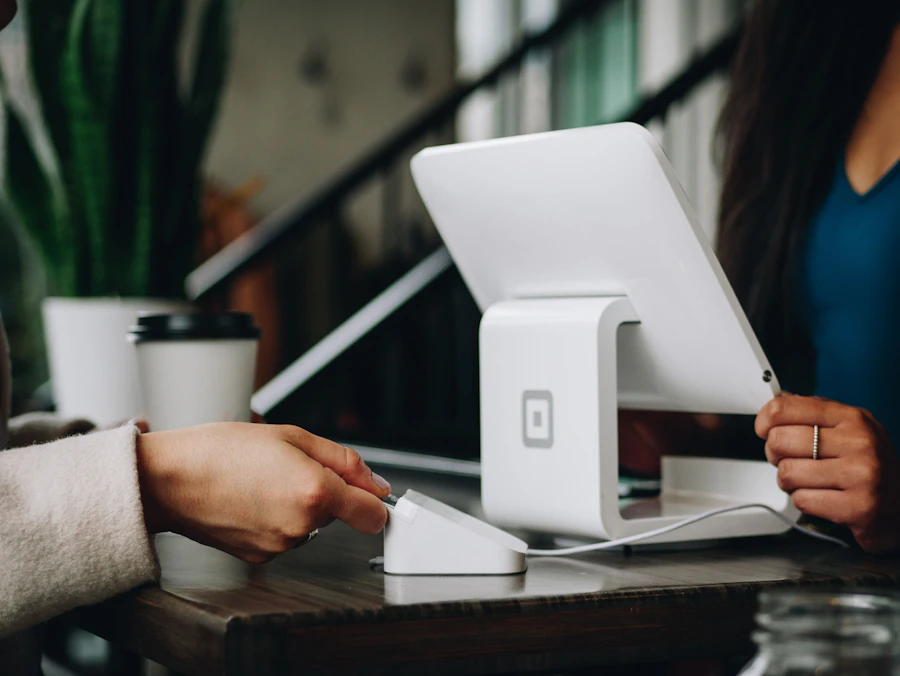
STK push is one of the most familiar payment experiences in Kenya. You start an action on a website, app, USSD menu, or customer support flow, then a prompt appears on your phone asking you to enter your M-Pesa PIN. Many people use it for online shopping, loan processing, subscriptions, utility bills, school payments, deliveries, fundraising, and small business payments.
Because STK push feels quick, it can also feel automatic. That is where borrower safety matters. A payment request is not something to approve simply because it appears on your screen. You should understand who sent it, how much it is asking for, why it is being requested, and whether it matches the transaction you started.
This guide explains how STK push works in everyday language, what happens behind the scenes, and how borrowers can protect themselves before confirming any M-Pesa payment request.
What is STK push?
STK push is a mobile payment prompt that appears on your phone and asks you to authorize a transaction using your M-Pesa PIN. "STK" refers to the SIM Toolkit, the mobile menu environment that allows certain M-Pesa interactions to happen directly on your handset.
In practical terms, STK push means you do not have to manually open the M-Pesa menu, choose Lipa na M-Pesa, enter a PayBill or Till number, type the account number, and then enter the amount. Instead, the business system sends a payment request to your phone. You review it and enter your PIN if it is correct.
For a borrower, this may happen when paying a processing fee, repaying a loan, confirming an account, or completing a service charge. The important point is that STK push is still your authorization. The money does not leave your M-Pesa account just because the prompt appears. It leaves only after you approve the request with your PIN.
How STK push usually works
A normal STK push flow has several steps.
First, you start a transaction. This may be on a lender's website, an app, a checkout page, a USSD menu, or a support-assisted process. For example, you may enter your phone number and click a button that says pay, confirm, submit, continue, or request prompt.
Second, the business system sends a request through its payment integration. The request includes details such as the phone number to be charged, the amount, and the business payment account. In many cases, the request is connected to a PayBill, Till, or official merchant account.
Third, M-Pesa sends a prompt to your phone. The prompt asks you to enter your M-Pesa PIN to complete the payment. The wording may show the amount and business name or payment reference, depending on the service and handset.
Fourth, you decide whether to approve. If everything matches what you expected, you enter your PIN. If something looks wrong, you cancel or ignore the prompt.
Fifth, M-Pesa processes the payment and sends confirmation. You should receive an M-Pesa SMS showing whether the transaction was successful. The business may also receive payment confirmation from its system and update your account.
This flow is designed for convenience, but convenience should not remove caution. A wrong prompt can still cost you money if you approve it.
Why businesses use STK push
Businesses use STK push because it reduces typing errors and makes payment faster. If a borrower manually enters a PayBill number or account number, a single wrong digit can send money to the wrong place or delay reconciliation. STK push can pre-fill the important payment details so the customer only authorizes the request.
For lenders and financial service providers, STK push also makes confirmation cleaner. When the transaction is completed through the official channel, the system can match the payment to the borrower's phone number, account, application, or invoice. This can reduce disputes such as "I paid but my account has not updated."
That said, STK push should not be treated as proof that every request is safe. Scammers can also abuse payment prompts if they trick you into initiating one or if they send you a request while pretending to be a real company. The safety comes from verifying the request, not from the presence of the prompt itself.
What to check before entering your M-Pesa PIN
Before approving an STK push, pause for a few seconds and check four things.
Check the amount. The amount on the prompt should match what you expected. If you were told the processing fee is KES 300 and the prompt asks for KES 3,000, do not approve it. Cancel and contact the official support channel.
Check the business name or payment destination. The name shown should make sense for the company or service you are paying. Be careful if the name is unfamiliar, misspelled, or looks like a personal account when you expected an official business account.
Check the timing. Did you just request this prompt? If an STK push appears when you did not initiate anything, do not approve it. Some fraud attempts rely on surprising you while you are distracted.
Check the purpose. You should know exactly why you are paying. Is it a loan repayment? A processing fee? A statement charge? A registration fee? If the reason is vague, slow down.
Your M-Pesa PIN is your final approval. Never enter it to "check balance," "receive money," "reverse a transaction," "unlock a loan," or "verify your account" unless the actual prompt clearly matches an action you deliberately started and understand.
STK push and receiving money
One of the biggest misunderstandings is the idea that you need to enter your M-Pesa PIN to receive money. In normal M-Pesa use, receiving money into your account does not require you to enter your PIN. Your PIN is used to authorize money leaving your account or to access your account features.
If someone says, "Enter your PIN so we can send you the loan," be careful. A genuine loan disbursement should not require you to approve an outgoing payment unless there is a clearly disclosed fee that you have chosen to pay. Even then, the prompt should show the exact amount and official recipient.
For borrowers, this distinction is critical. Loan scams often create urgency by promising fast disbursement after a small payment. The borrower is told to approve a prompt to "activate" or "confirm" the loan. After the payment, another prompt may follow, then another, while the promised loan never arrives.
Why STK push can fail or delay
An STK push can fail for normal reasons. Your phone may be off, out of network coverage, or unable to receive the prompt. The session may expire before you enter your PIN. You may have insufficient M-Pesa balance. You may enter the wrong PIN. The payment system may be temporarily unavailable. There may also be a mismatch in the phone number used for the request.
If a payment fails, do not keep approving repeated prompts without checking the reason. Repeated attempts can confuse you, especially if the amounts differ. Confirm whether money has left your M-Pesa account by checking your SMS, M-Pesa app, or statement.
If you are paying a lender, keep the confirmation message. Do not delete the SMS until the payment has reflected on your account. If the business asks for confirmation, share only the transaction code and relevant payment details through official channels. Do not share your M-Pesa PIN, full ID photo, SIM information, or one-time verification codes unless you understand why they are required and are using an official channel.
How STK push helps with loan repayment
For loan repayment, STK push can make the process simpler. A lender may generate a prompt for the exact repayment amount due. This can reduce mistakes in PayBill account numbers or loan references. It can also help the lender match the repayment to your account faster.
However, borrowers should still compare the prompted amount with the loan agreement or repayment schedule. If your expected repayment is KES 4,850 and the prompt asks for KES 6,200, ask why before paying. The difference may be a late fee, rollover, penalty, or error. You should not discover the reason after the money has already left your account.
A good repayment habit is to check the balance due before requesting a prompt. Then confirm that the STK push amount matches. After payment, wait for both the M-Pesa confirmation and the lender's account update where applicable. If the lender's update delays, the M-Pesa transaction code becomes your evidence.
STK push safety checklist for borrowers
Use this simple checklist before approving any payment request:
- Did I personally start this transaction?
- Does the amount match what I expected?
- Does the recipient name make sense?
- Do I understand what this payment is for?
- Am I paying through an official channel?
- Have I checked the loan terms or repayment amount?
- Am I being pressured to hurry?
- Would I still approve this if I had five minutes to think?
If any answer worries you, cancel the prompt. A genuine provider should allow you to verify the payment details.
What to do if you approve the wrong STK push
If you approve a payment by mistake, act quickly. Save the M-Pesa confirmation SMS. Note the transaction code, amount, recipient, and time. Contact the official customer care channel of the business that received the payment. If the payment appears fraudulent, contact Safaricom customer support and follow their guidance on reversals or reporting.
Do not send more money to someone who says they can recover the first payment for a fee. That is another common trap. Also avoid sharing your PIN or verification codes with anyone claiming to help.
If the issue involves a loan provider, contact the provider through the phone number, email, app, or website you already know is official. Do not rely only on the WhatsApp number that requested the payment.
Borrower mindset: slow is safe
STK push was built to make payments faster, but safe borrowing often requires a slower moment before approval. A five-second pause can prevent a costly mistake. Read the prompt. Compare the amount. Check the recipient. Ask whether you started the action.
Quick Cash encourages borrowers to treat payment confirmation as part of responsible borrowing, not as a small technical step. Whether you are paying a fee, repaying a loan, or confirming a transaction, the safest payment is the one you understand before entering your PIN.
When you need short-term credit, choose a provider that gives clear payment instructions, uses official channels, and makes it easy to confirm what you are paying for. Quick Cash aims to keep the borrowing process practical, transparent, and borrower-focused, so you can solve an urgent need without creating a new payment problem.